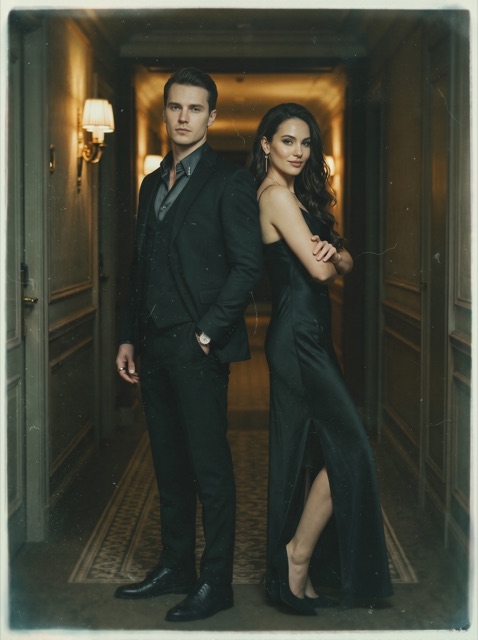
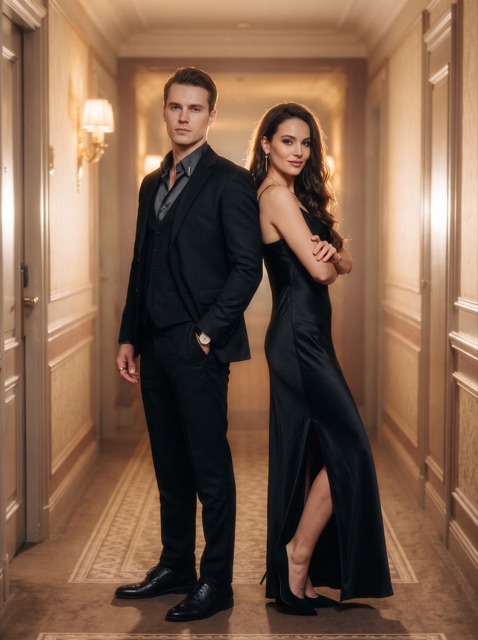
Your imagination.
In the frame.

Make images and videos with LiberAI. Start with a template or build your own scene with prompts, references, and a style that feels like you.

Image & video creationTemplates & custom promptsNo public feed
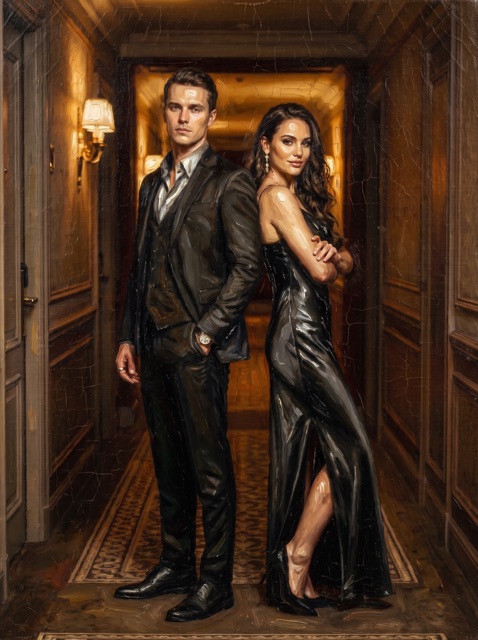
Illustrative editorial portrait in dramatic studio lightingReimagine a portrait
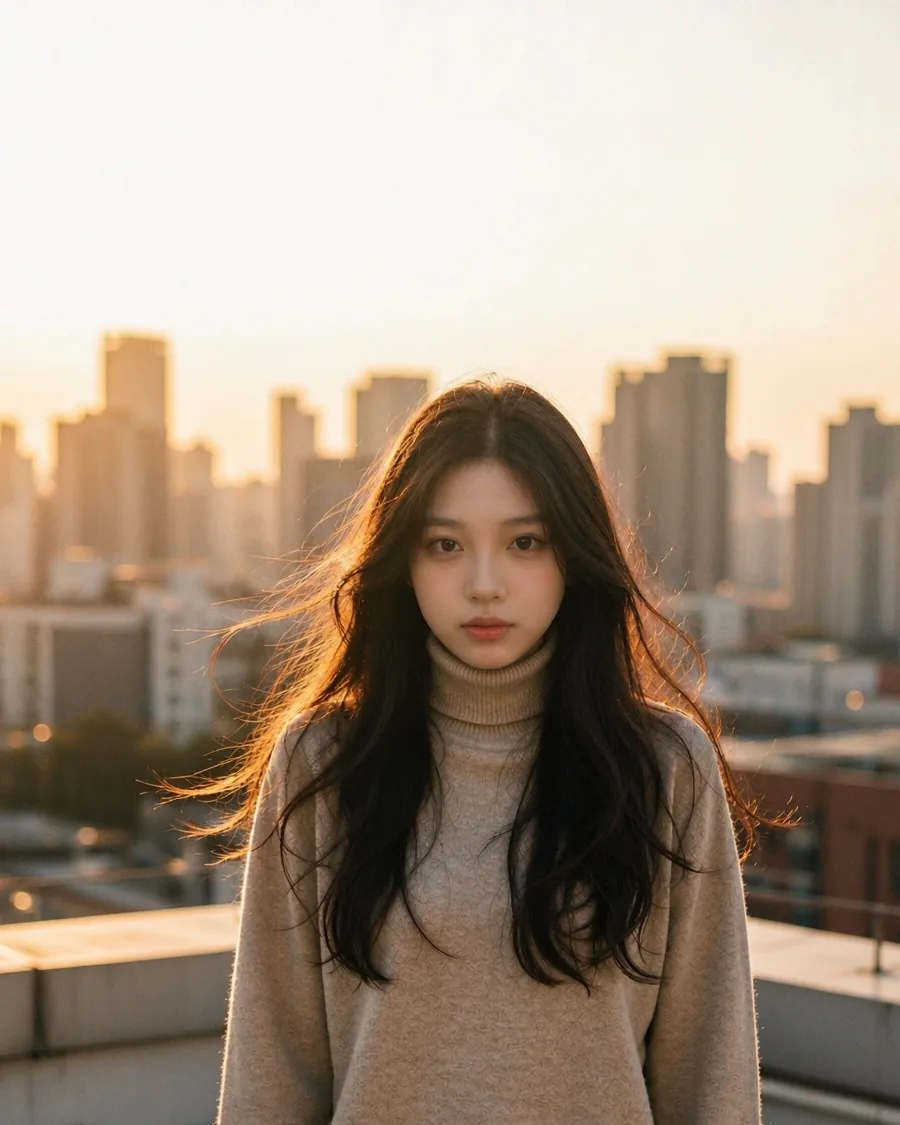
Illustrative portrait on a sunlit rooftop
LiberAI

A rooftop. Golden light. Your next idea.

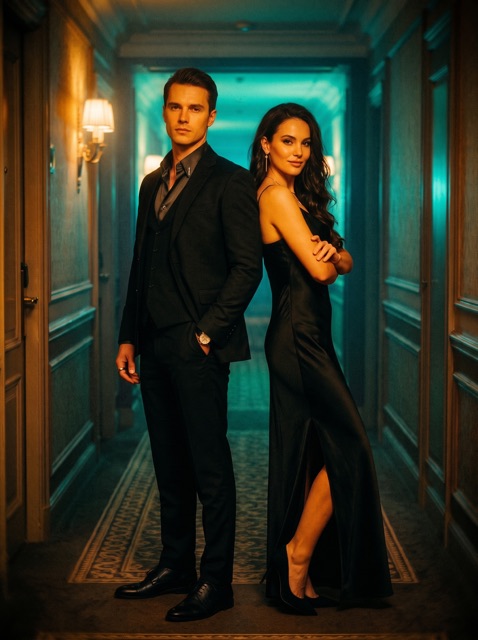
Hong Kong Neon style artwork from LiberAIFind a cinematic style
Creative inspiration. Images illustrate possible looks; results vary.

One idea. More ways to make it.

Choose an image or a video, then take the direction that fits your idea.

Images

Start with words or a photo

Describe something new, restyle a portrait, or bring several image references together. Choose an image model and refine your prompt in Creation.

Video

Put your scene in motion

Generate a video from a prompt and optional image references. Set the duration and available output options before you create.

Edit & extend

Take a clip further

Add a reference video to rework its look or describe what happens next. Use Edit or Extend in the video workspace.

Templates

Find a starting point

Browse Portrait, Filters, Effects, and Photo Enhance. Pick a template, add your own input, and use Quick start.

A little direction.
A lot of possibility.

Creation brings your prompt, references, and settings together. Build a scene your way without starting from a template.

  • Give it context. Add up to four image references. Video Edit and Extend also accept one reference clip.
  • Shape your prompt. Write your own description, explore prompt ideas, or use Auto-optimize.
  • Style your video. Try looks such as Film Noir, Japanese Anime, or Polaroid Flash when generating a video.
  • Check, then create. Review the selected model, settings, and credit cost before generating.
LiberAICreation
ImageVideo

Reference

Example reference portrait@image1

Prompt

Animate the person in @image1 on a sunlit rooftop. A soft breeze moves their hair as the camera slowly pulls back.

✦ Auto-optimize
Style · Polaroid FlashModel Selection
Generate video
Illustration of the video creation workflow. Available options vary by mode and model.
Before & after

A different setting. A new possibility.

Explore illustrative before-and-after pairs. Drag the handle or use the arrow keys to compare each scene.

Result: the same woman on a sunlit rooftop at golden hour
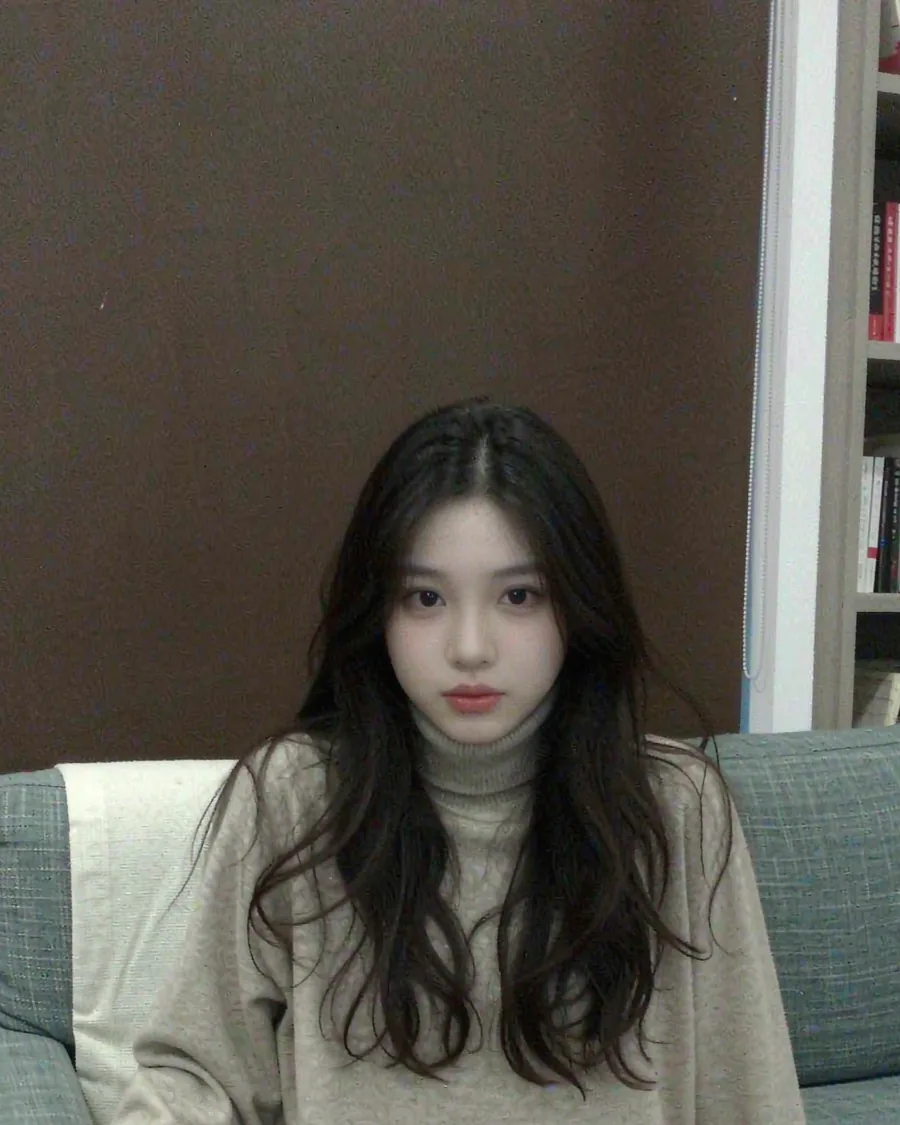
Original: a casual living-room snapshot
Before After

Illustrative examples, not a guarantee of output. AI results can change faces, details, poses, and framing.

Find a look. Follow it somewhere.

Explore these styles when generating a video in LiberAI, or browse templates for a ready-made starting point.
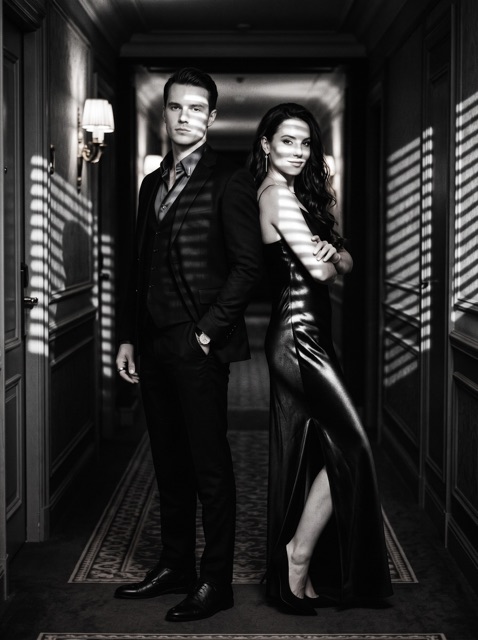

Hong Kong Neon, 1990s style preview
Film Noir style preview
Japanese Anime style preview
Renaissance Oil style preview
Polaroid Flash style preview
Soft-Focus Romance style preview

From first idea to saved creation.

1

Choose your starting point

Pick a template or open Creation to work with your own prompt.

2

Add the details

Attach references you have permission to use, choose settings, and review the credit cost.

3

Save what you love

Review your result and download it to your device. Save it within 24 hours, before history expires.

Credits, with the details up front.

LiberAI uses paid credits. There is no free usage or free trial. Final prices and availability will be shown at launch.

Subscriptions
Weekly plans

Subscription credits reset at the end of each subscription period. Manage renewal in Google Play.

Credit packs
One-time purchase

Create without a subscription. Pack credits stay valid while your account is active and are removed if you delete it.

Before you generate
See the cost

Review the credit cost before starting. Credits charged for a failed generation are automatically returned.

Your creative space stays personal.

LiberAI has no public community feed. Download your work and choose where to share it.

No public feed

Other users cannot browse your creations inside LiberAI.

24-hour history

Generated results and history are kept for up to 24 hours. Download what you want to keep.

Control your data

Delete results earlier, close your account in settings, or contact us for deletion assistance.

For adults

LiberAI is for users aged 18 and over. Photos of minors and non-consensual content are prohibited.

Before you get started.

Is LiberAI available on Google Play?
Not yet. LiberAI is coming soon to Google Play. Supported devices, download availability, and final pricing will be confirmed at launch.
Can I create without a template?
Yes. Open Creation, choose Image or Video, and write your own prompt. Add references and choose the available model settings. Video generation also offers preset styles, and video includes Edit and Extend modes.
Is there a free trial?
LiberAI requires paid access and does not offer free usage or a free trial. Choose a weekly subscription or a one-time credit pack. You do not need a subscription to use a pack.
Do I need an account?
Sign in with Google to link your LiberAI profile and purchases. Use the same Google account when returning to your credits or subscription.
How long can I access my creations?
Generated results and history are retained for no longer than 24 hours and may be deleted earlier. Download your creations to keep them. Original uploaded photos are deleted from LiberAI servers when generation completes.
How do I get help or delete my account?
Use the in-app help centre or email [email protected]. You can delete your account in settings or request help by email. Account deletion does not cancel a Google Play subscription; cancel it separately in Google Play. See our support page.
LiberAI app icon

LiberAI. Coming soon.

We're preparing LiberAI for Google Play. Get in touch for launch information or help with the app.